Multichat
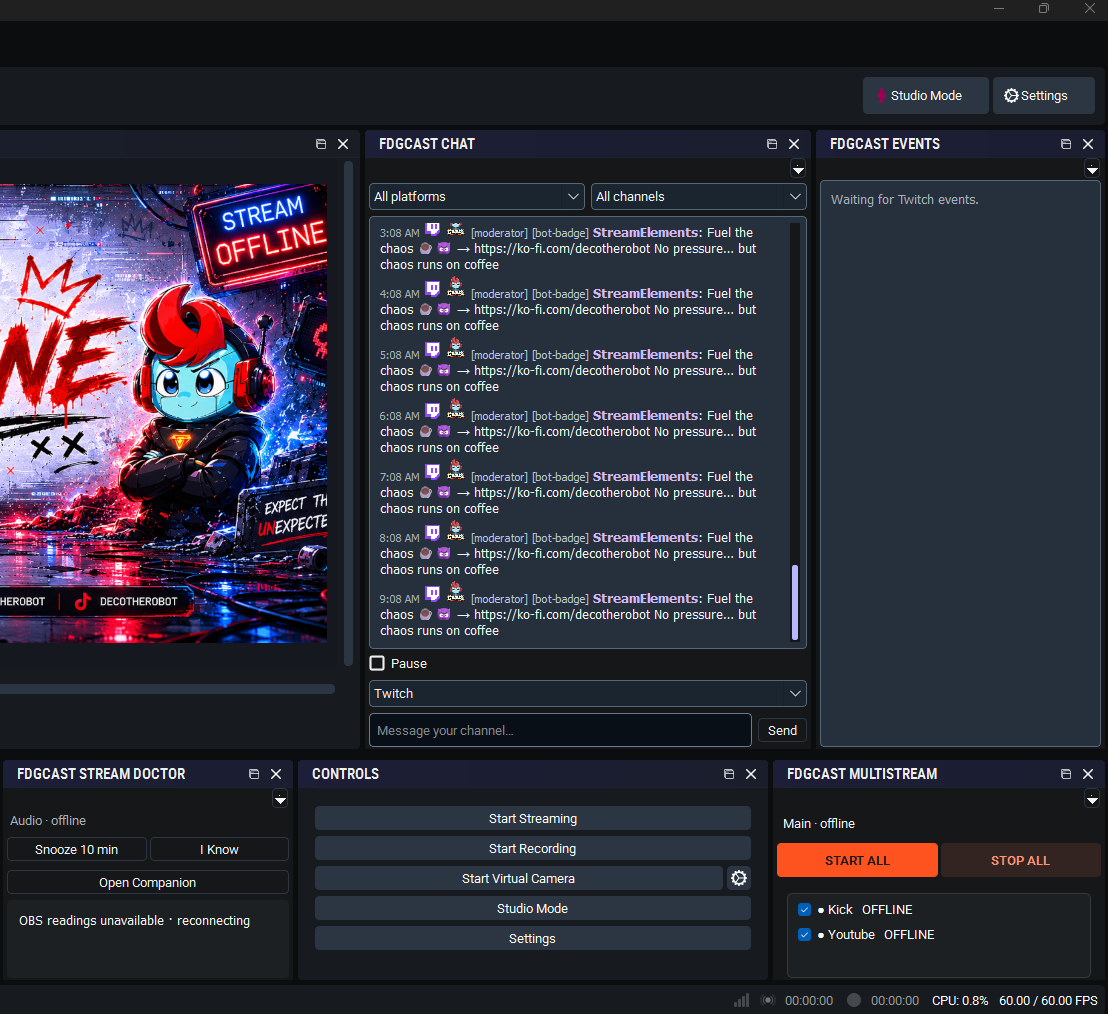
Combine Twitch, YouTube and Kick chat in one free OBS dock. Identify platform and shared-chat origins, filter messages and follow your conversations.
Combined Activity Feed
Windows x64 · 1.0.3 · Free core feature
See supported audience activity together, with a platform icon and platform/channel name on each card.
Combined Activity Feed is part of FDGCast, the same OBS streaming companion that includes chat, multistream controls, activity and monitoring.
Audience activity can arrive across several platforms while you are focused on a game. A wider feed, larger text and stronger contrast help you notice supported activity and identify its source.
The Combined Activity Feed presents supported Twitch follows, raids and channel-point redemptions, plus optional subscriptions, gifts and Bits and authorized YouTube memberships, Super Chats and Super Stickers when delivered. The experimental TikTok LIVE username reader adds chat, follows, gifts, subscription notifications and grouped likes/shares without requiring FDGCast to send video to TikTok. Each activity card identifies its platform and channel.
A creator goes LIVE publicly from a phone or TikTok LIVE Studio. Enter their username in Companion to read supported activity while a separate Twitch or YouTube broadcast uses OBS. Platform/channel labels distinguish the audiences, and grouped likes/shares keep the feed manageable.
Full installation and pairing instructions · Troubleshooting and documentation
Supported Twitch activity and authorized YouTube paid activity depend on permissions and delivery. TikTok LIVE adds experimental follows, gifts, subscription notifications and grouped likes/shares through its username reader. Kick audience events are not implemented.
No. Enter the creator’s TikTok username while they have a public LIVE running, for example through a phone or LIVE Studio. The receive-only reader does not grant TikTok broadcasting access or require OBS.
Completed gift streaks use their final count, repeated activity has bounded duplicate protection, and likes/shares are grouped. Missing or incomplete activity is not invented, and recovery is not guaranteed.
Yes. Use Combined Activity Feed → Choose activity types & test alerts. Existing saved preferences remain; enable additional categories as desired. Test alerts do not verify live delivery.
Core chat and activity are free. Live Overlay Studio feeds and existing overlay alerts retain the verified paid or complimentary entitlement requirement.
Combine Twitch, YouTube and Kick chat in one free OBS dock. Identify platform and shared-chat origins, filter messages and follow your conversations.
Manage Twitch, YouTube and Kick streaming destinations from OBS with free FDGCast controls, Start All and individual outputs. No cloud restreaming.
Monitor selected OBS audio sources with mute, silence and track-routing warnings. FDGCast Audio Guard offers configurable Windows and sound alerts.
Review OBS dropped frames, rendering and encoding lag, FPS, CPU readings and destination failures with FDGCast Stream Doctor’s configurable alerts.
These are tools in one FDGCast application, not separate products or installers.
Core chat and activity are free. Live Overlay Studio feeds require the existing verified paid or complimentary entitlement. Close OBS and FDGCast Companion before installing. Keep your existing setup and verify real platform delivery before a live stream.
Optional counting helps organizers understand event/profile visits and promotions. These measurements use pseudonymous identifiers and do not store your IP address, email or off-site browsing history. Raw measurements expire after 90 days. Turning this off stops new event, profile and promotion audience measurements; it does not remove anonymous totals already counted. Do Not Track and Global Privacy Control are respected.