Multichat
Combine Twitch, YouTube and Kick chat in one free OBS dock. Identify platform and shared-chat origins, filter messages and follow your conversations.
Stream Doctor
Windows x64 · 1.0.3 · Free core feature
See available OBS performance readings and sustained-problem warnings while you broadcast.
Stream Doctor is part of FDGCast, the same OBS streaming companion that includes chat, multistream controls, activity and monitoring.
Your local preview can appear normal while viewers experience stuttering or interrupted delivery. OBS readings help narrow whether a problem involves rendering, encoding or the network.
Stream Doctor compares OBS frame counters across samples to distinguish rendering lag, encoding lag and network drops. It also shows available FPS and CPU readings and reviews destination failures and recoveries. Sustained-problem detection, sensitivity controls and optional notifications help reduce repeated notices.
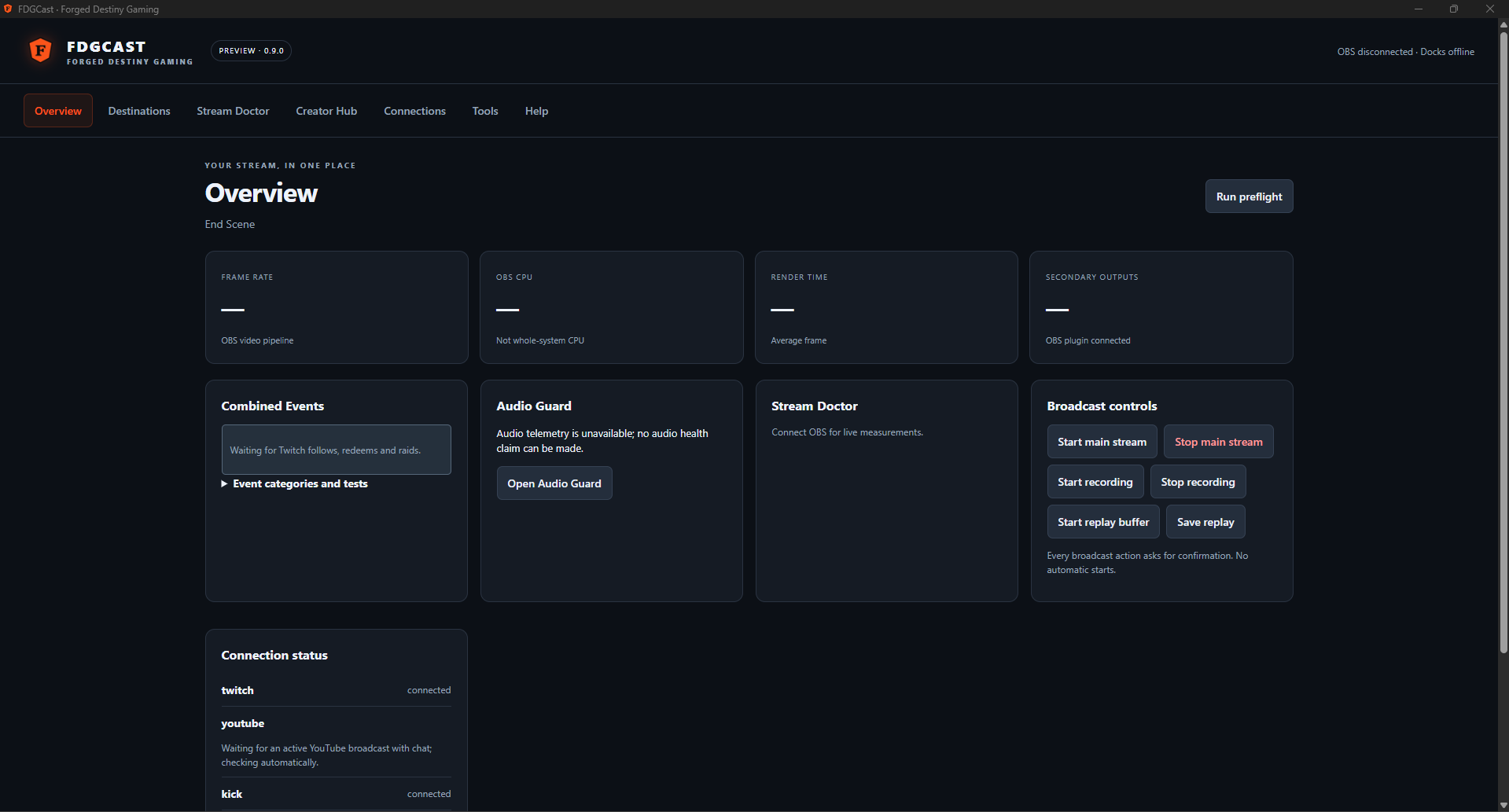
Viewers report stuttering. Check whether the latest readings show rendering misses, encoding lag or network drops before changing OBS settings. If several destinations fail together, review your connection and output states rather than assuming a particular service is responsible.
Full installation and pairing instructions · Troubleshooting and documentation
Yes. It reviews network drops and separates them from rendering and encoding misses using available OBS readings.
The implemented dock displays available OBS CPU and FPS readings alongside its health information.
Use OBS’s own Stats panel for bitrate. The verified FDGCast readings described here cover frame counters, FPS, CPU and destination health; a dedicated bitrate alert is not claimed.
No. It reports symptoms and provides context so you can choose a troubleshooting step.
Some OBS readings remain useful while connected, but stream-specific counters and live-only alerts depend on an active session.
Combine Twitch, YouTube and Kick chat in one free OBS dock. Identify platform and shared-chat origins, filter messages and follow your conversations.
Manage Twitch, YouTube and Kick streaming destinations from OBS with free FDGCast controls, Start All and individual outputs. No cloud restreaming.
Monitor selected OBS audio sources with mute, silence and track-routing warnings. FDGCast Audio Guard offers configurable Windows and sound alerts.
Read supported Twitch, YouTube and experimental TikTok LIVE activity in one free feed with platform icons, channel labels, activity filters and grouped notifications.
These are tools in one FDGCast application, not separate products or installers.
Core chat and activity are free. Live Overlay Studio feeds require the existing verified paid or complimentary entitlement. Close OBS and FDGCast Companion before installing. Keep your existing setup and verify real platform delivery before a live stream.
Optional counting helps organizers understand event/profile visits and promotions. These measurements use pseudonymous identifiers and do not store your IP address, email or off-site browsing history. Raw measurements expire after 90 days. Turning this off stops new event, profile and promotion audience measurements; it does not remove anonymous totals already counted. Do Not Track and Global Privacy Control are respected.